Step 1: Download the app
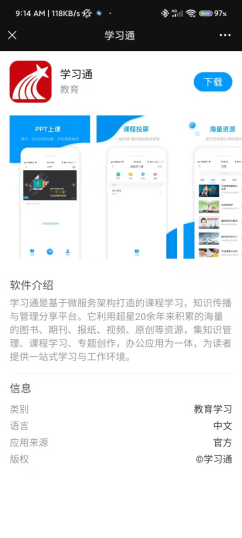
1. Open Link:https://app.chaoxing.com/
2. Click blue button“下载”
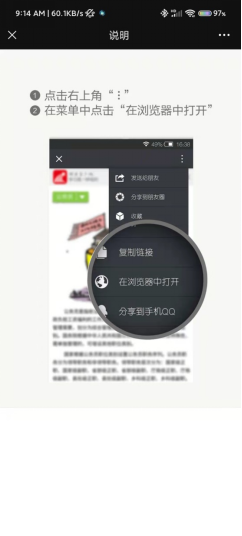
3. Open it in browser
4. download
Step 2: Log in
1. Open superstar app (Log out your previous account!!!)
2. Go to Me page.
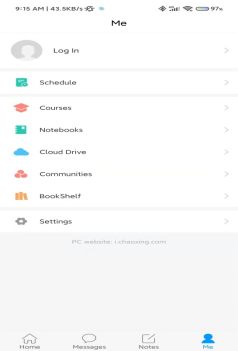
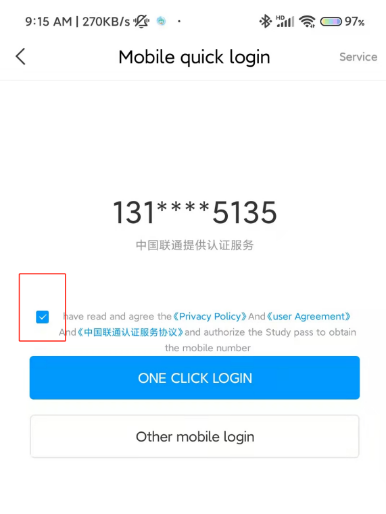
3. Click Log in-choose mobile quick login
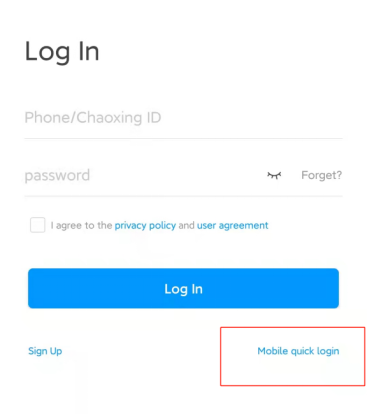
4. Tick the agreement and choose“one click login”
Step 3:Find the correct home page
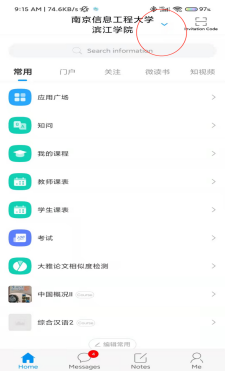
1. Go to home page- find the little blue arrow on top
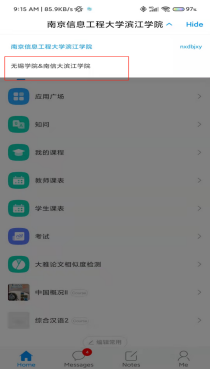
2. Choose“无锡学院&南信大滨江学院”
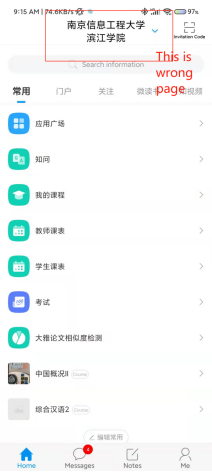
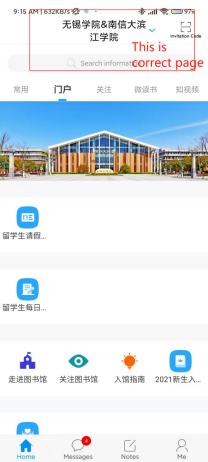


 Current Location: